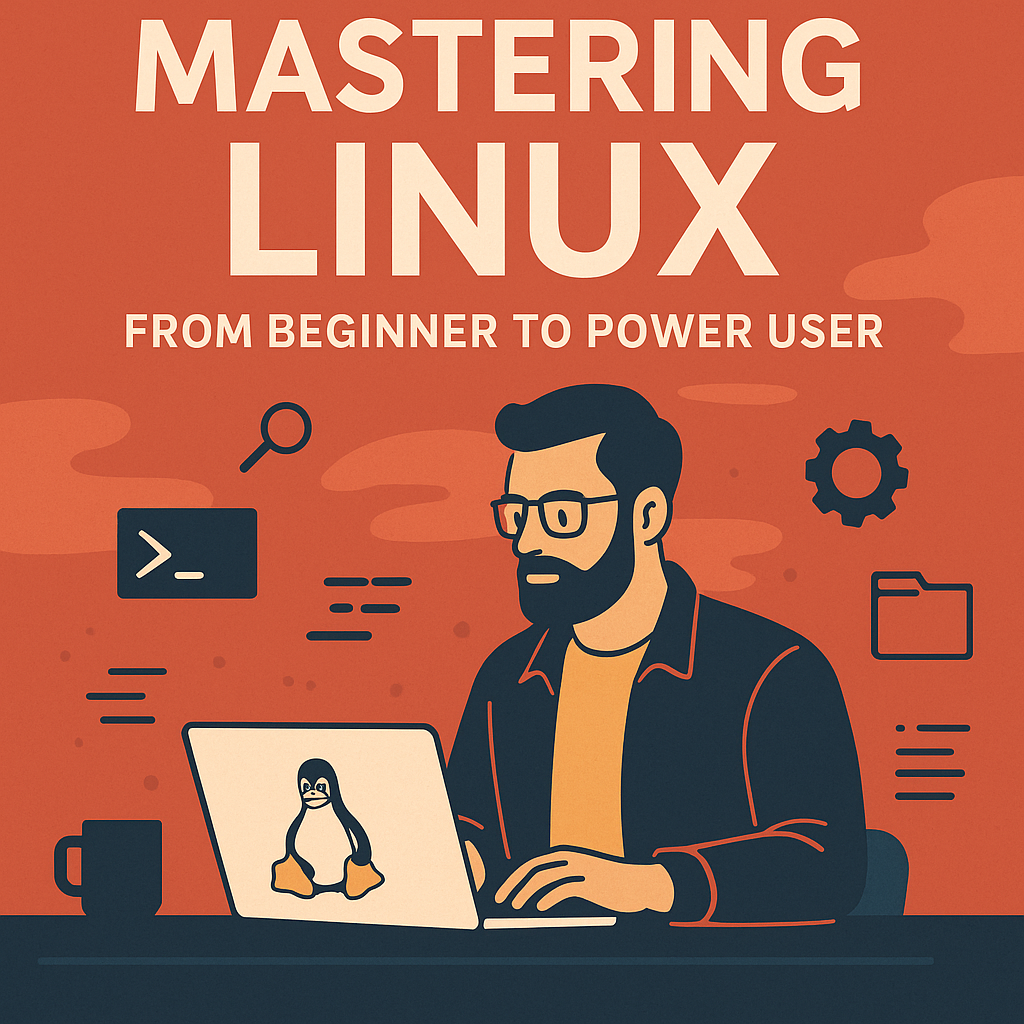
Linux has long been a favorite among developers, system administrators, cybersecurity professionals, and tech enthusiasts. Yet its reputation for being “too complex” keeps many beginners at a distance. The truth? Linux is more accessible than ever—and with a structured path, anyone can progress from a complete novice to a confident power user.
This guide walks through the core skills, tools, and concepts that can take you from a Linux beginner to an efficient, command-line-wielding master.
1. What Makes Linux Different?
Before diving in, it’s important to understand what sets Linux apart:
Open Source Philosophy
Linux is free to use, modify, and distribute. This openness fosters innovation and a massive ecosystem of distributions (distros).
Choice and Customization
Whether you want a simple desktop (Ubuntu), a security-focused distro (Kali Linux), or a highly customized environment (Arch Linux), Linux offers unmatched flexibility.
System Transparency
Linux doesn’t hide what it’s doing. Logs, processes, permissions—every layer is visible and controllable if you know where to look.
These core principles make Linux incredibly powerful but require learning new concepts that aren’t as prominent on Windows or macOS.
2. Getting Started: Choosing Your First Distro
For beginners, the best distros provide stability and ease of use. Popular choices include:
- Ubuntu – Beginner-friendly, massive community, easy software installation.
- Linux Mint – Great for Windows switchers, simple and intuitive.
- Fedora Workstation – Cutting edge but stable, ideal for developers.
As you grow more comfortable, you might explore advanced distros like Arch, Debian, or openSUSE Tumbleweed.
3. Essential Linux Skills for Beginners
To build a solid foundation, start with these fundamentals:
Navigating the Terminal
Core commands to master:
ls– list directory contentscd– change directoriescp,mv,rm– manage filesgrep– search within filesman– view documentation
The command line is not just powerful; it’s often faster than using graphical tools.
Understanding the Filesystem
Linux uses a hierarchical filesystem, starting at /. Key directories include:
/home– user directories/etc– system configuration/bin,/usr/bin– executable programs/var– variable data like logs
Package Management
Each distro uses a package manager:
- APT (Ubuntu, Debian) –
sudo apt install package - DNF (Fedora) –
sudo dnf install package - Pacman (Arch) –
sudo pacman -S package
Learning your package manager is essential for installing and updating software.
4. Intermediate Skills: Stepping Into Power-User Territory
Once you’re comfortable, you can expand into more advanced topics.
Shell Scripting
Automating repetitive tasks boosts productivity:
#!/bin/bash
backup_folder="/home/user/backups"
mkdir -p $backup_folder
cp -r /home/user/Documents "$backup_folder"
echo "Backup complete!"
Scripting introduces concepts such as variables, loops, and conditionals.
System Monitoring
Every power user should know how to check system health:
toporhtop– running processesdf -h– disk usagedu -sh– folder sizejournalctl– system logs
User and Permission Management
Understanding Linux permissions is crucial for security:
chmod– modify file permissionschown– change file ownershipsudo– elevate privileges
5. Advanced Skills: Becoming a True Power User
Here’s where deeper expertise starts to take shape.
Mastering the Shell Environment
Customizing your shell using Bash, Zsh (with Oh My Zsh), or Fish enhances productivity through aliases, functions, and dynamic prompts.
Managing Services with systemd
Control background services:
systemctl status servicesystemctl enable servicesystemctl start/stop service
Networking Fundamentals
A power user should understand:
ipandifconfigfor interface configurationping,traceroute,digfor troubleshooting- firewall basics using
ufworfirewalld
Containers and Virtualization
Linux excels with virtualization tools:
- Docker – containerization
- Podman – daemonless alternative
- KVM/QEMU – full virtualization
These are essential skills for developers and sysadmins.
Advanced File Systems
Explore:
- LVM (Logical Volume Manager)
- Btrfs snapshots
- ZFS data protection
6. Best Practices and Habits of Power Users
1. Learn the Manual Pages
man command reveals powerful options you didn’t know existed.
2. Script Everything
Automate tasks from backups to server maintenance.
3. Follow the Linux Philosophy
“Do one thing well.”
Linux tools are designed to be composable with pipes (|).
4. Stay Curious
Linux evolves constantly—new shells, tools, and workflows emerge every year.
7. Conclusion: Your Path to Mastery
Mastering Linux isn’t about memorizing commands—it’s about understanding how the system works and learning to leverage its flexibility.
With the right approach, Linux transforms from a mysterious operating system into an efficient, elegant environment that rewards curiosity and exploration.
Whether you’re aiming to develop software, run servers, enhance security, or simply gain control over your computing experience, the journey from beginner to power user is one of the most rewarding paths in technology.